

Welcome to FullStack HR, and an extra welcome to the 12 people who have signed up since last week.
If you haven’t yet subscribed, join the 11600+ smart, curious HR folks by subscribing here:
Happy Wednesday,
I feel fully back from summer now, slowly but steadily moving back into the daily routines of working with organizations and leaders almost daily.
It’s great to be back meeting teams and leaders; it’s where I form and hone most of my thinking, and I’m going to go against the jante law and say that I’m getting pretty good at working with organizations on AI and leadership.
The convergence of having spent my life in HR with great mentors and colleagues, paired with working in the tech industry, and being insanely passionate about HR Tech and how it will impact work since 2010, has led to this, and I feel happy and fortunate to be here.
If you need help rethinking your leadership programs around AI, reach out! And the offer from summer still stands! If you need a second opinion on HR Tech, leadership programs, or anything else regarding AI, I’d be happy to help for free. (3 people have done so so far!)
That said. We need to talk about skills again, so let’s get to it.
And yes, I know we have talked about skills before, but we need to do it again since skills are evolving and are in almost all AI tools today.
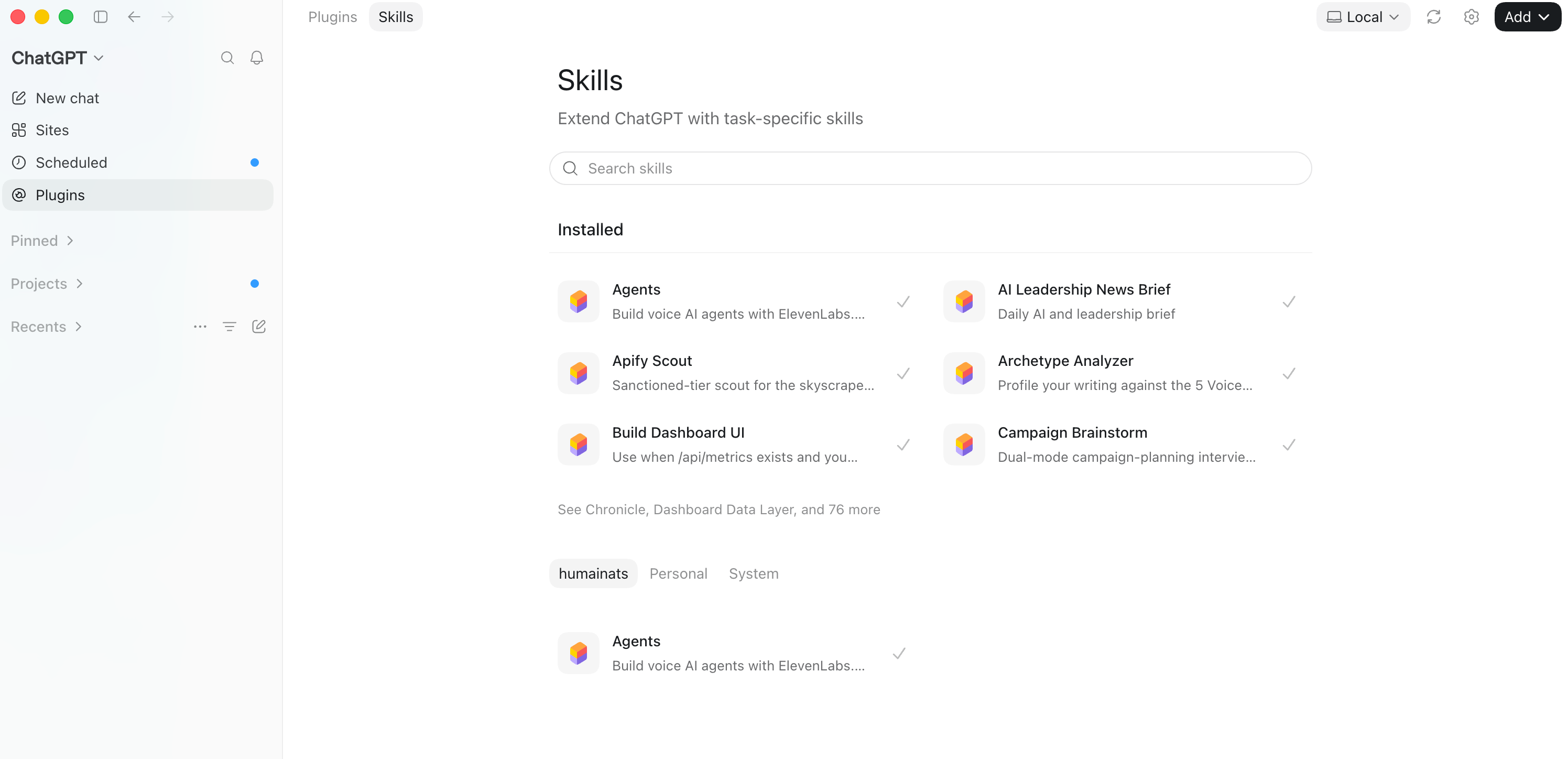
ChatGPT has them.
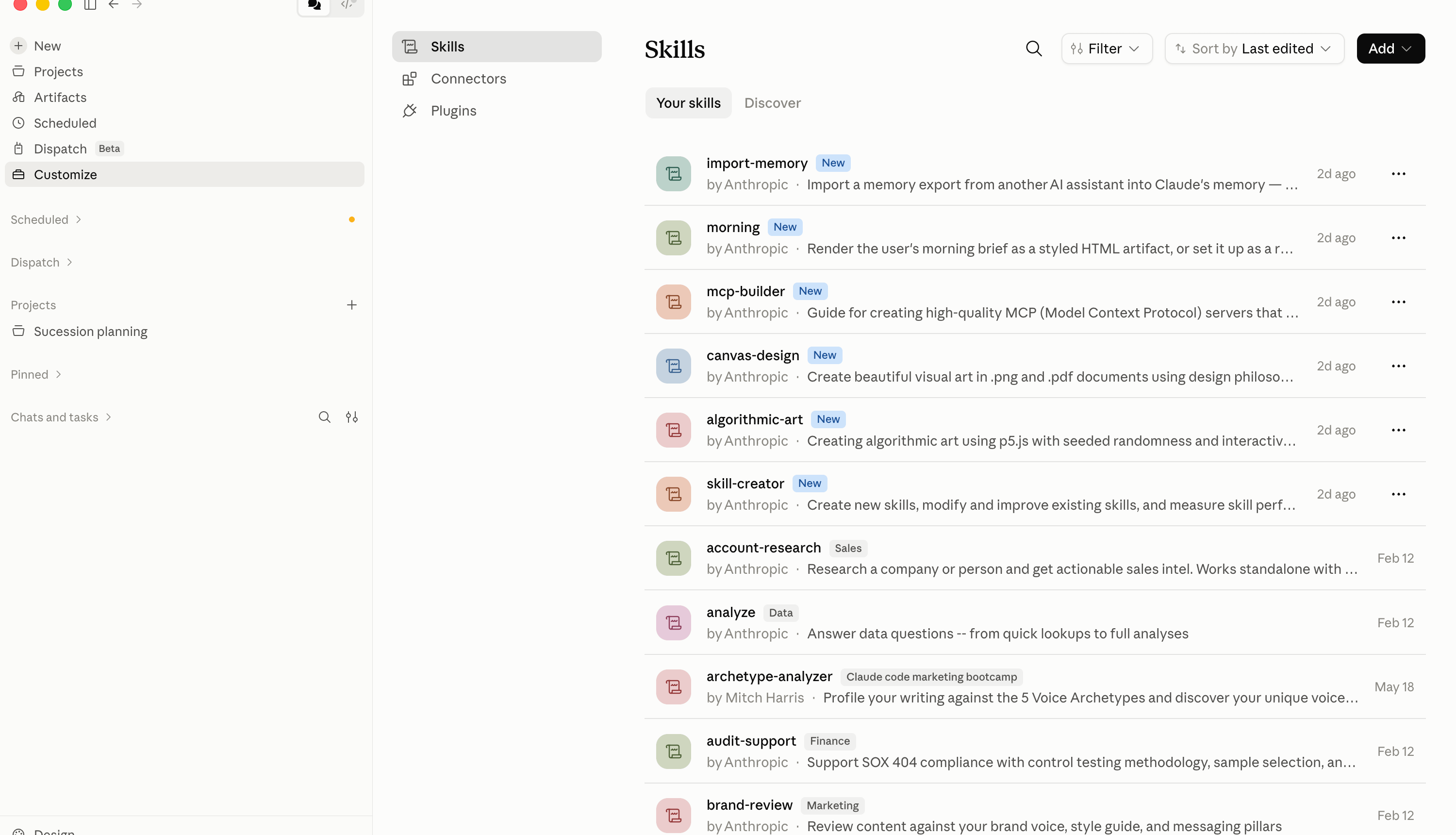
Claude has them.
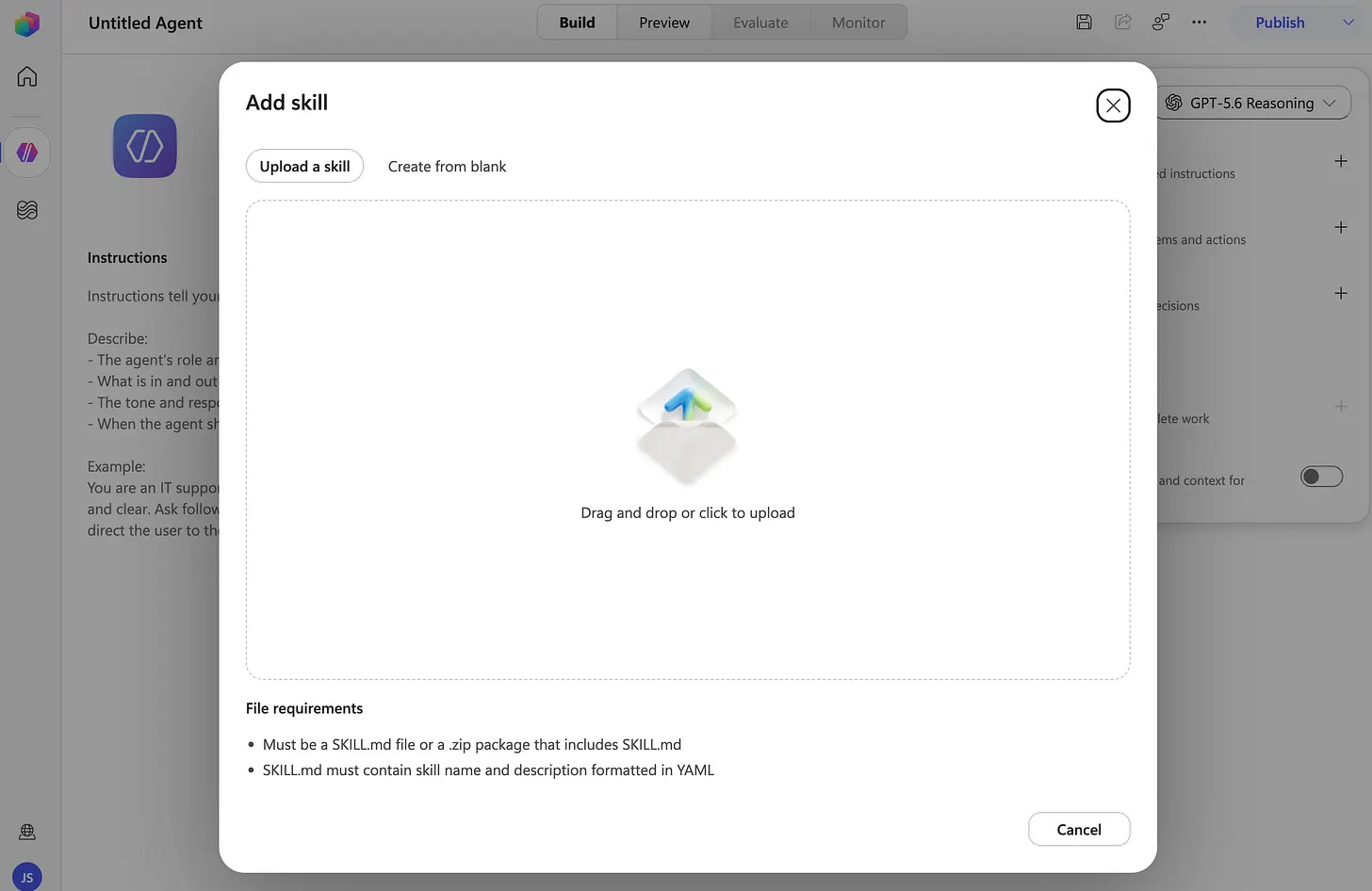
Copilot Studio (and Copilot Cowork) has them.
Skills are how organizations extract value from AI tools right now.
(At least if you want to extract value beyond the individual use cases.)
But if you look under the hood, what is a skill then? At it’s core, a skill is a set of text instructions that tells a model how to do a certain thing. That’s the essence of it! A text file.
How you create one differs a bit between the different tools, but the substance is identical everywhere. Written instructions, saved somewhere the model can find them, reused every time that task comes around again.
That’s it. (No secret witchcraft.)
Two ways to create one
So how do you create one? I see two ways. (There are probably more ways, but this is how I do it.)
The first way is to let the model analyze what you already do.
If you have a process document of some sort, where you’ve clearly defined the steps that process takes, you already have a skill sitting there in draft form. Feed it in and ask for a skill. Most organizations have far more of these documents than they think, quietly rotting in a SharePoint folder somebody created in 2019.
The second way is to just do the work you want done.
You do the work once, together with the model, and let it capture the workflow while you go. You correct as you move. You say what went wrong, you explain what you want different, you get picky about the format. Then you ask it to package the whole thing into a skill.
I prefer this method, but we are all different, so use whichever one you can start with today.
A concrete example: performance reviews.
Let’s take an example, because this sometimes gets abstract fast.
Say you’re about to run performance reviews in your organization. The obvious move is to build a skill for the review itself, and sure, you can. But the more useful move sits one step earlier.
Build a feedback-gathering skill.
A skill that asks the manager a set of very specific questions about each of the people reporting to them. Not “how has it gone”, which produces nothing. The questions you’d ask if you were sitting in the room with them. What did this person deliver over the past six months? Where did they surprise you? Where did you have to step in? What have you been avoiding telling them? What would you write if you knew they’d read it tomorrow?
The skill asks. The manager answers. The skill structures the result.
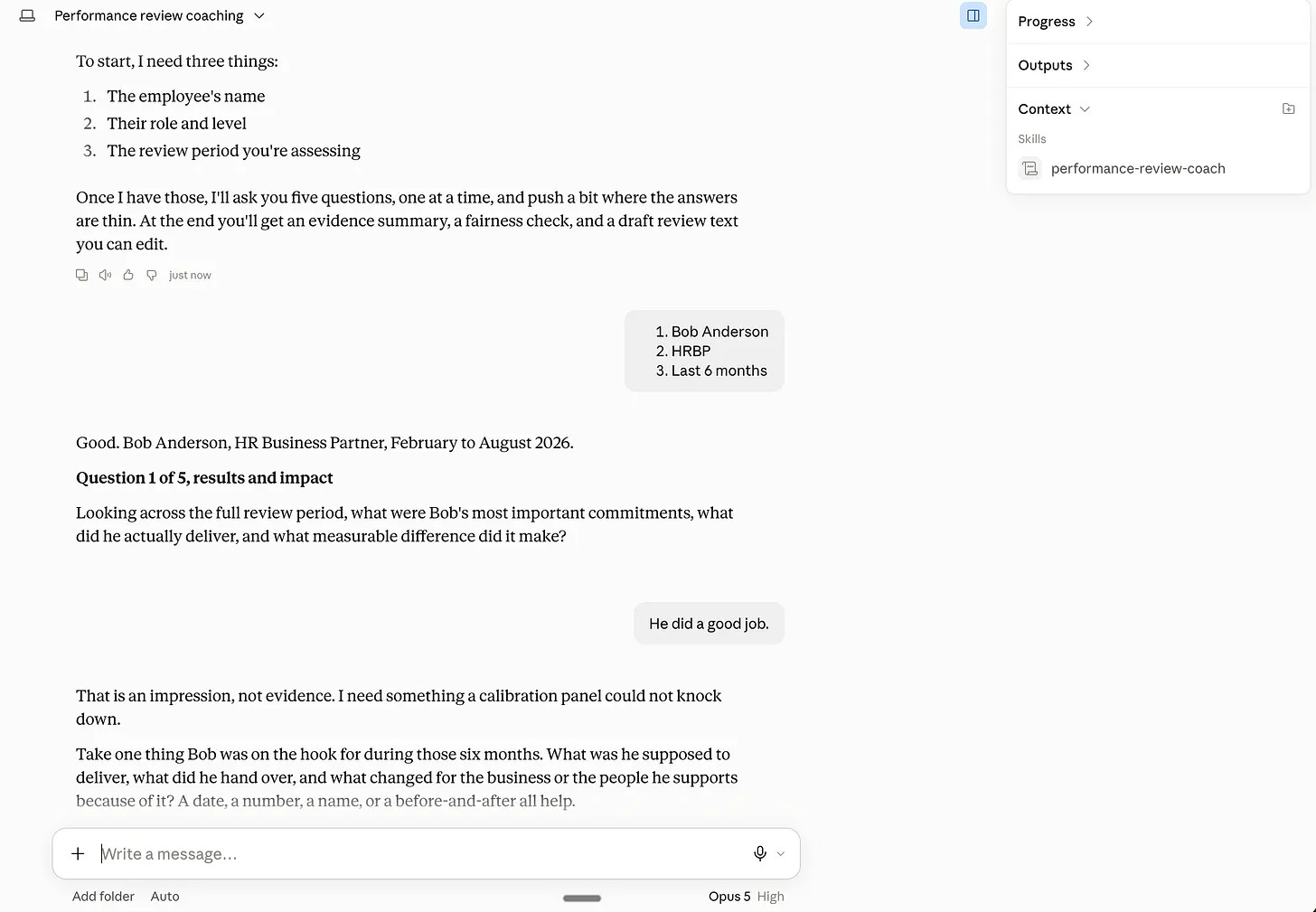
Then you send that along with your performance review guidelines.
”Dear manager, you’re about to head into performance reviews. Use this skill to extract what you already know about your people before you write a single word.”
Two things already exist in your organization: your questions and your guidelines, and this skill makes them run and be repeatable. Sure, you could build an agent that did this; sure, you could buy a tool that did this, but you can also just create a skill, and it will take you what, 30 minutes?
If you want to try this skill, you can download it here and test it out.
(You could also adapt it to your own process; just ask Claude or ChatGPT to adapt it to your process.)
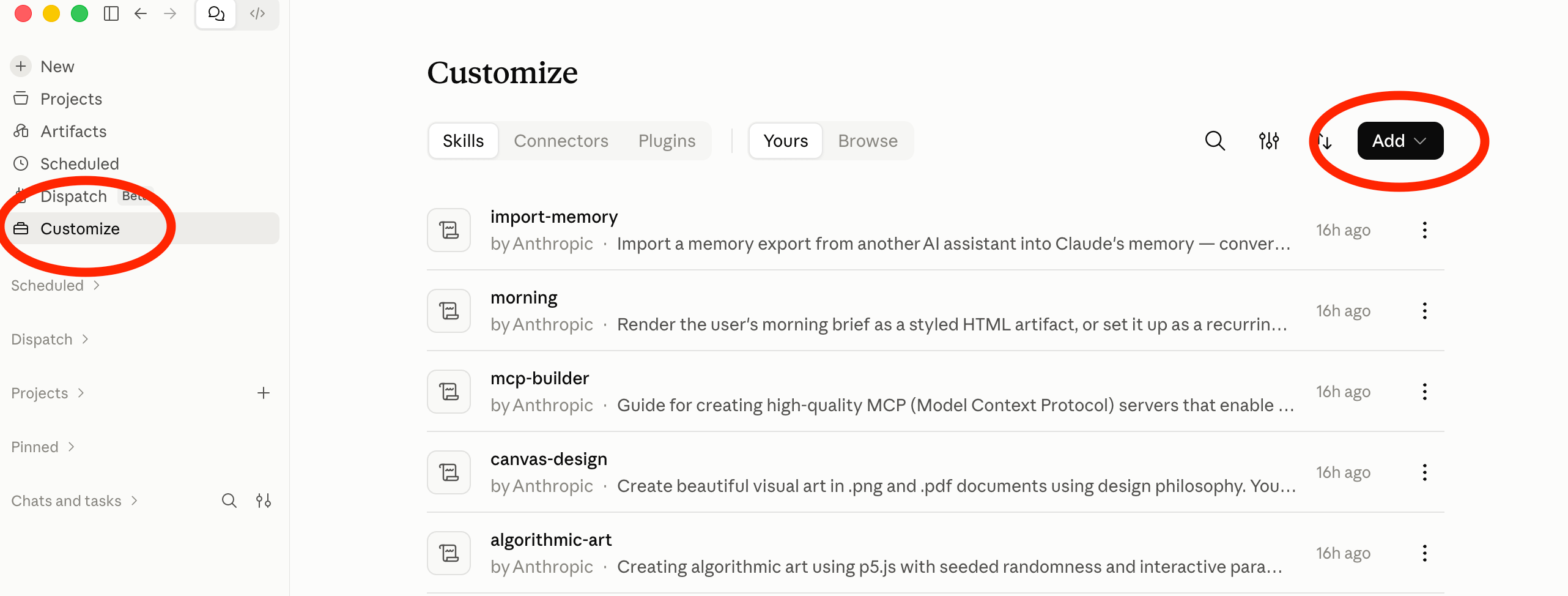
How to upload skills
Here’s how.
Claude
ChatGPT
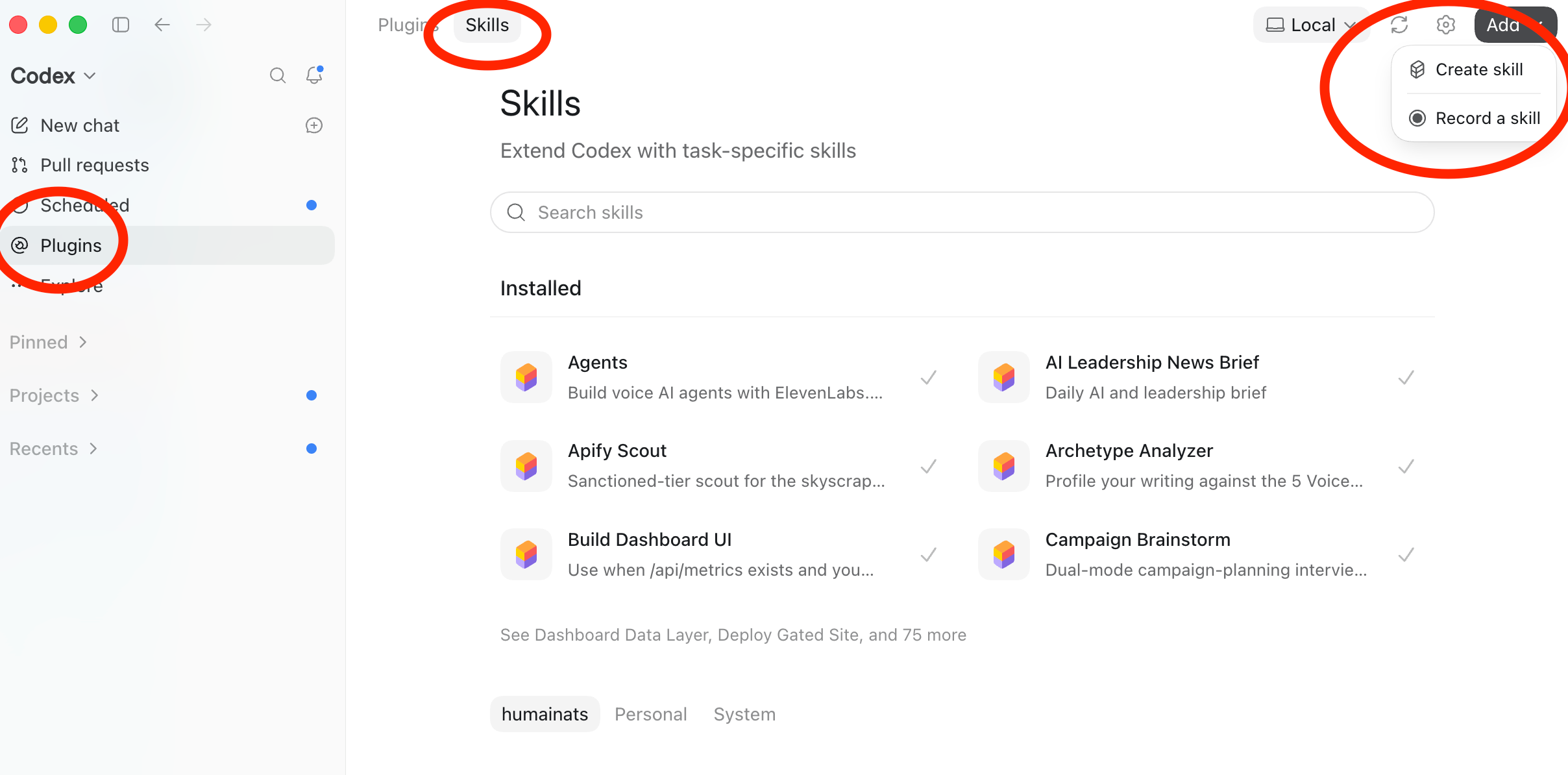
And this is the hard way. You can also just tell Claude / ChatGPT to learn the skill and point it to the file.
And you can do this for whatever you want! (Create a skill that is.)
This isn’t a special category of task reserved for clever people. Create a skill for whatever recurring thing you have or where you want to be specific about something.
And yes, you could potentially connect this to your performance review system or HRIS.
Because for a skill to work at its most effective, it needs access to tools and systems.
A skill that writes a manager briefing from nothing is a writing exercise. A skill that writes a manager briefing from the real engagement data, the actual team composition, and the actual notes from last quarter is a different animal entirely.
That’s what connectors and MCP are for, and I’ve written about that separately, so I won’t repeat it here. Connectors and MCP, explained for people who have never touched either.
The chicken and the egg
Which brings us to the question: What do you do first? Do you create skills, or do you connect stuff to your AI system?
Ideally, you connect first. A skill with access is worth considerably more than a skill without it.
But a connection on its own doesn’t do anything either. A connection also needs instructions. Nobody’s HR function got better because someone plugged in a system. It gets better when something knows what to do with what’s now reachable.
So the answer is that you’ll do both, and you’ll start with whichever one you can get your hands on this week. If your systems are locked down and IT hasn’t come back to you yet, start with skills. Find workarounds to the information you need. If you already have connectors sitting there unused, start writing instructions for them. Neither order is wrong, but standing still and doing nothing is.
And as said, it’s very easy to create skills. (Almost too easy.)
You describe the work, you correct it a few times, you ask for a skill, and you have one.
The perhaps hardest part is knowing what to make a skill out of. But I suggest you start by picking the thing you’ve explained to an AI more than three times in the last couple of days.
That’s the whole selection criteria. If you’ve written “remember to...” or “always structure it like this...” or “you missed the same thing again, my friend” to a model more than a couple of times, you’ve found your first skill.
Do the work once. Let it capture how you did it. Save it.
Then go connect something to it.
And oh, with clients and friends, I’ve created 16 others skills for you.
Free to use, no sign-up required.
BUT if you do like them and feel that this has been useful, as “payment” I would love if you shared this post on LinkedIn.
Download the skills here.
(For how to install them, scroll up!)