

Welcome to the 108 new FullStack HR readers who joined last week!
The ambition is high with this newsletter - to be the guide for organisations in this AI transformation that is happening!
If you aren’t yet subscribed, join the other like-minded people in this free newsletter by subscribing below:
Happy Thursday,
I have spoken and run workshops a bit too much this spring. It has been an incredible season with great clients and great rooms, but it takes its toll, and I have decided that autumn is going to look different. Fewer clients. Less travel. A bit more sleep…
Which brings me to the reason I am writing this in the intro.
If you have been thinking about working together this autumn, now is the time to reach out. I say this in good faith, not as a sales pitch. Because people often message me at the last minute asking if I can do workshops or lectures, and lately, the answer has been no in most cases. (I already have 10+ bookings for 2027…)
Autumn is filling up fast at the moment, and I would rather have a conversation with you in May about the autumn than say no to you in September.
Now, on to Copilot Cowork!
I finally got access to Copilot Cowork!
And I have now used it enough to have an opinion based on something more useful than press screenshots and launch videos.
Have I tested every use case? No. Have I tested it fully across every HR workflow? Also no. But I have tested it enough to say this. We need to pay attention.
If we rewind a bit, this started with Anthropic’s Claude Cowork, which launched in January. I made a video about it then, focused on how we could use it in HR. And the response I got was predictable.
Security, security, security, security, security.
Fair enough. We should care about that. We work with sensitive data. We should ask hard questions before giving an AI agent access to documents, policies, employee data, emails, or anything else.
Enter Copilot Cowork.
The security objection just got a lot weaker
Microsoft has now moved Cowork into Copilot. Which means Microsoft security wrapped around it, as everything else in Copilot.
Cowork only sees what you already see. If you do not have access to a file or a folder, Cowork does not have access either. It uses your login.
Your data stays in your company, and it is not shared with other organizations. Whatever you type and whatever it produces lives inside your Microsoft 365 environment.
If your company has rules about sensitive documents, those rules still apply. The same labels and policies that stop you from emailing a salary file to the wrong person also stop Cowork from using it. Nothing changes there.
Everything Cowork does is logged and leaves the same audit trail as the rest of Copilot.
So the short version is that if your company is already comfortable with you using Copilot, it should also be comfortable with you using Cowork. It sits inside the same security boundary you already agreed to.
So what does Copilot Cowork do?
You describe what you need. It does the work.
(I know this is simplified, but to some extent, this is what it does.)
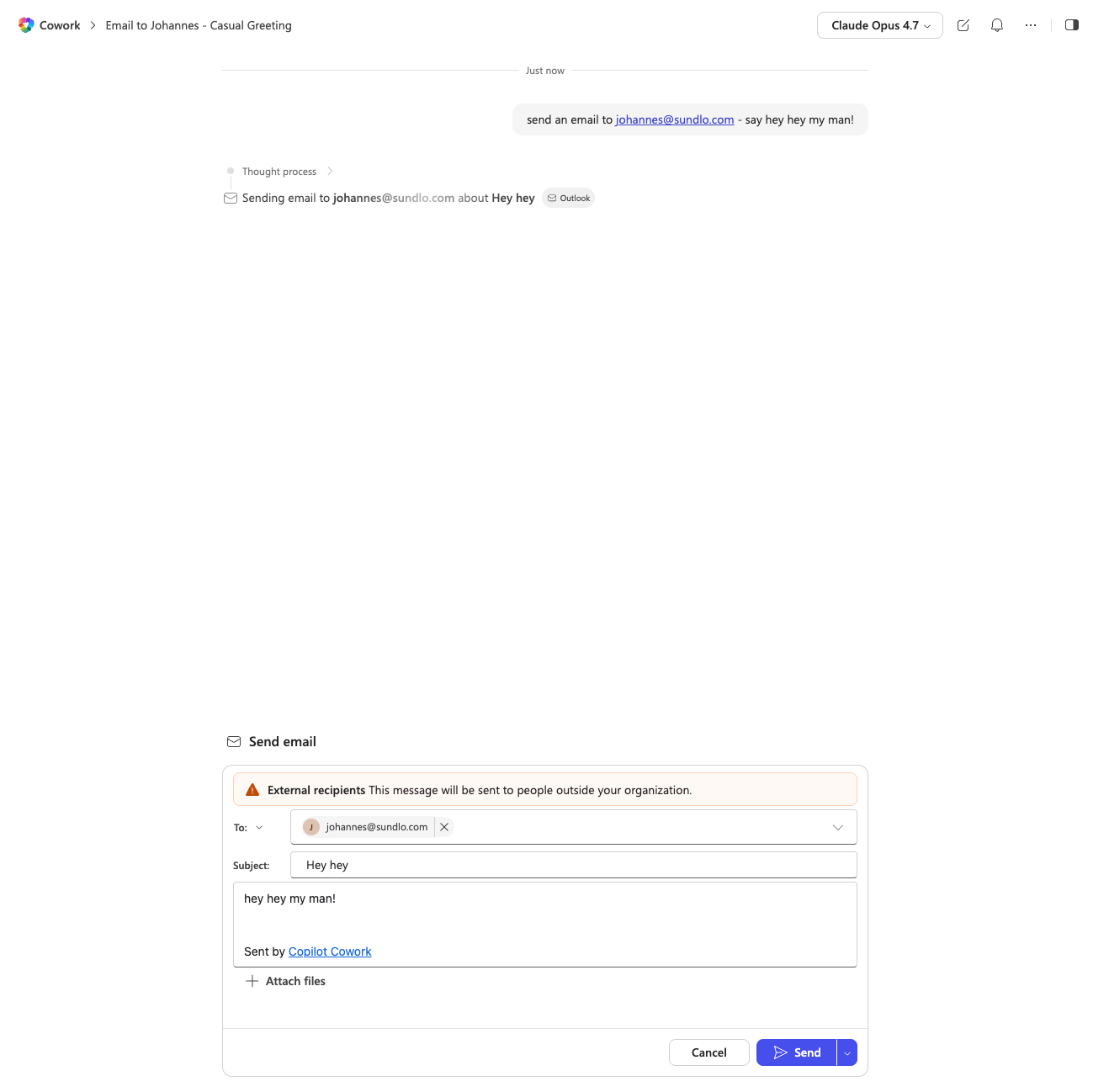
For example, it can draft emails and send them through Outlook.
My example below is, of course, silly, but when you chain this together with other actions, it gets quite powerful. “Create a report based on X and Y, every Friday, send it to my manager after I first approve it.”
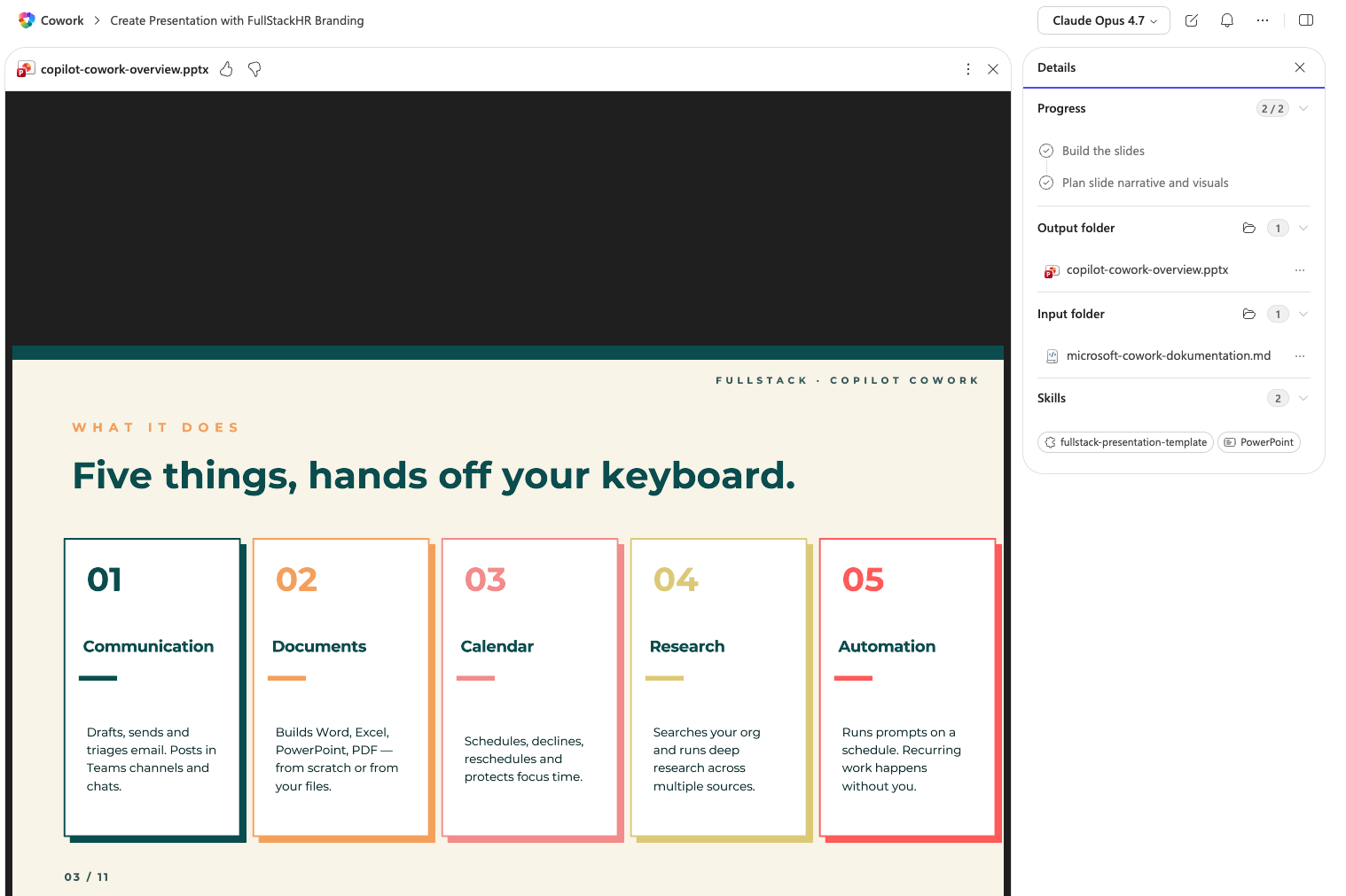
It can organize your calendar and schedule meetings. It creates Word documents, Excel sheets, PowerPoint decks, and PDFs.
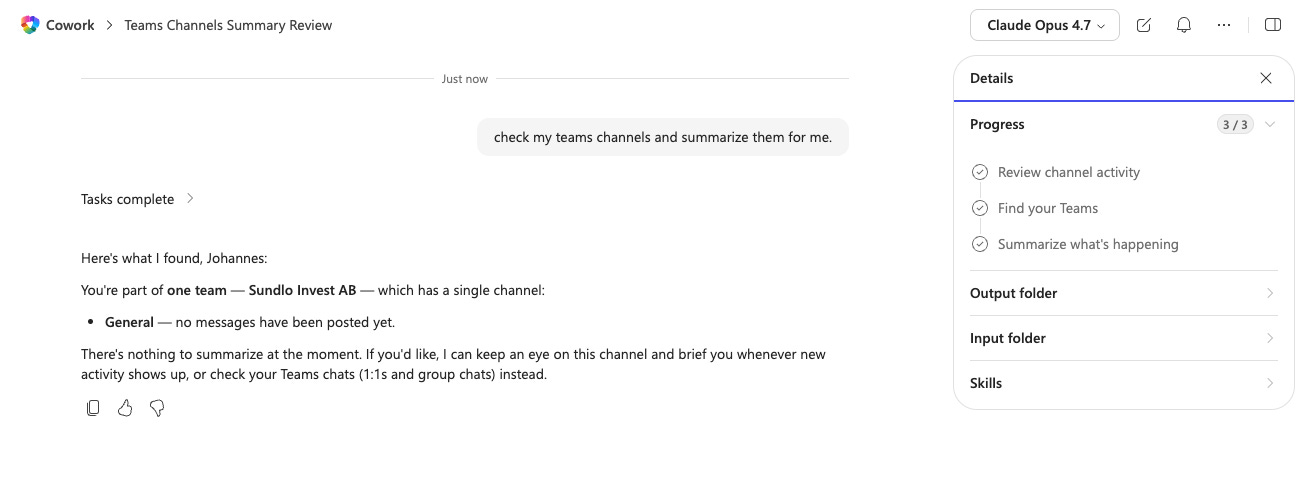
It can work with Teams in various ways (but then you need to be active in Teams…)
And a big thing for many is that you can now schedule things that you need to happen. So take the report example above again. Let’s say you create a report every week based on what your team did the previous week. You could let it gather info from your email, meeting transcripts, and documents and summarize that in a report every week, for example. Or create a simple business intelligence/news report that runs every day/week.
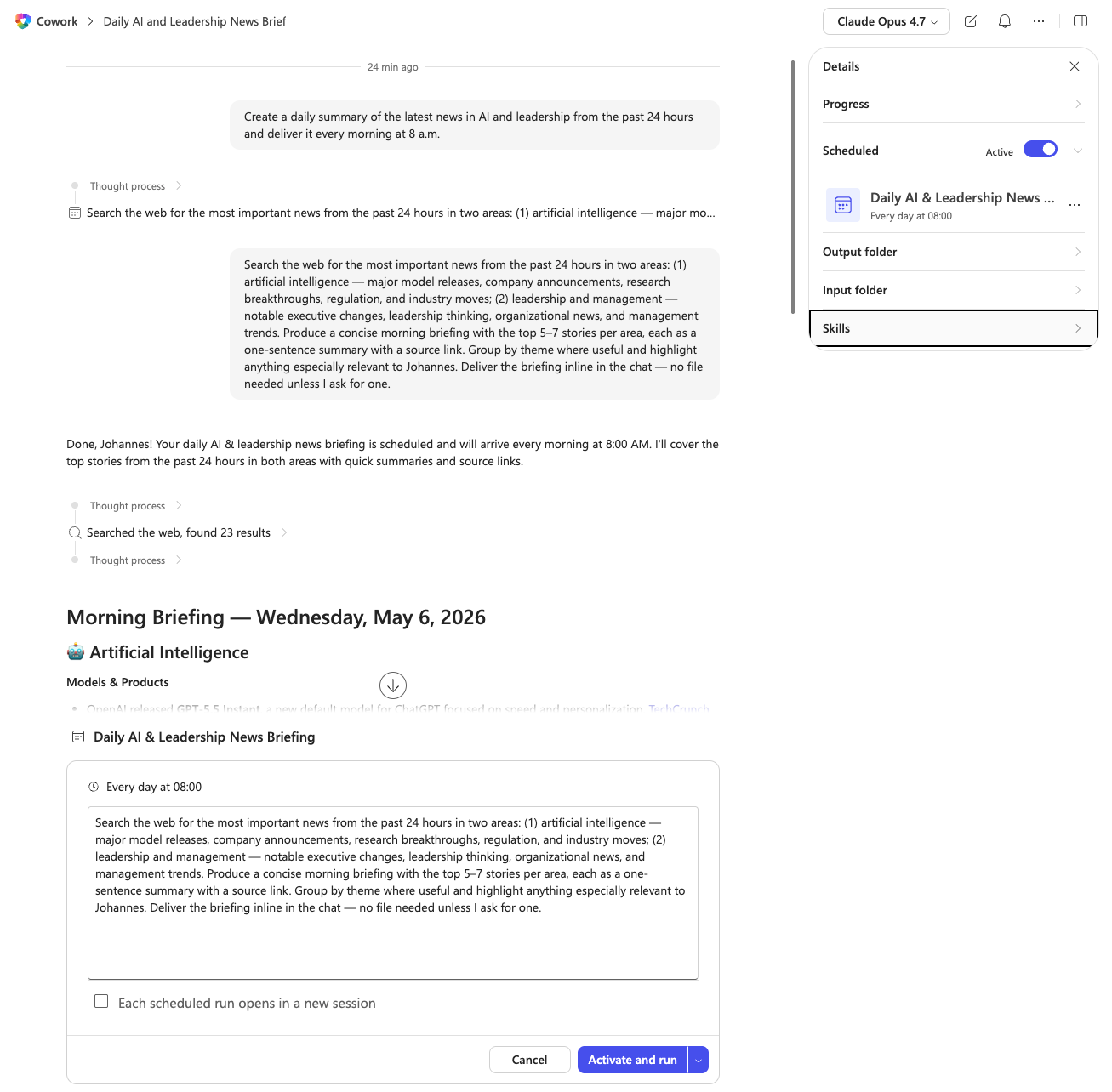
For people now panicking about some of the above, as you can see in the email example, Copilot Cowork does anything sensitive only after asking. Each action requires approval, and medium and high-risk actions get a risk indicator. You can pause, resume, or cancel at any point. You can hit “don’t ask again” for similar actions inside the same conversation.
But all in all, what we see happening now is that we stop describing what you would do, and we start delegating stuff to Cowork-like experience.
Codex? Cowork?
Compared to Claude Cowork from Anthropic, the Microsoft version is more limited (today). In Anthropic’s version of Cowork (as well as Codex) you can plug in pretty much anything. Mix it, blend it, throw context at it, connect external tools, push it into edge use cases. It is much more agnostic about what gets connected and what it gets asked to do.
Adding other systems is possible in Copilot Cowork, but it’s more complex, which presumably has to do with the security aspect.
Microsoft’s version, however, is strongly built around the Microsoft 365 stack (unsurprisingly so). Outlook, Teams, OneDrive, SharePoint, and Work IQ is all connected from start.
So if you have a lot of your work and documentation living in the Microsoft environment, then it is still very capable.
Skills are the part you need to pay attention to
Cowork uses skills. There are 13 built-in ones. Word, Excel, PowerPoint, PDF, Email, Scheduling, Calendar Management, Meetings, Daily Briefing, Enterprise Search, Communications, Deep Research, and Adaptive Cards. The skill loads when needed and appears in the side panel.
You can also write or import your own. Up to 50 custom skills, stored in OneDrive at Documents/Cowork/Skills/, each one a folder with a SKILL.md file inside it. Cowork discovers them automatically when a conversation starts.
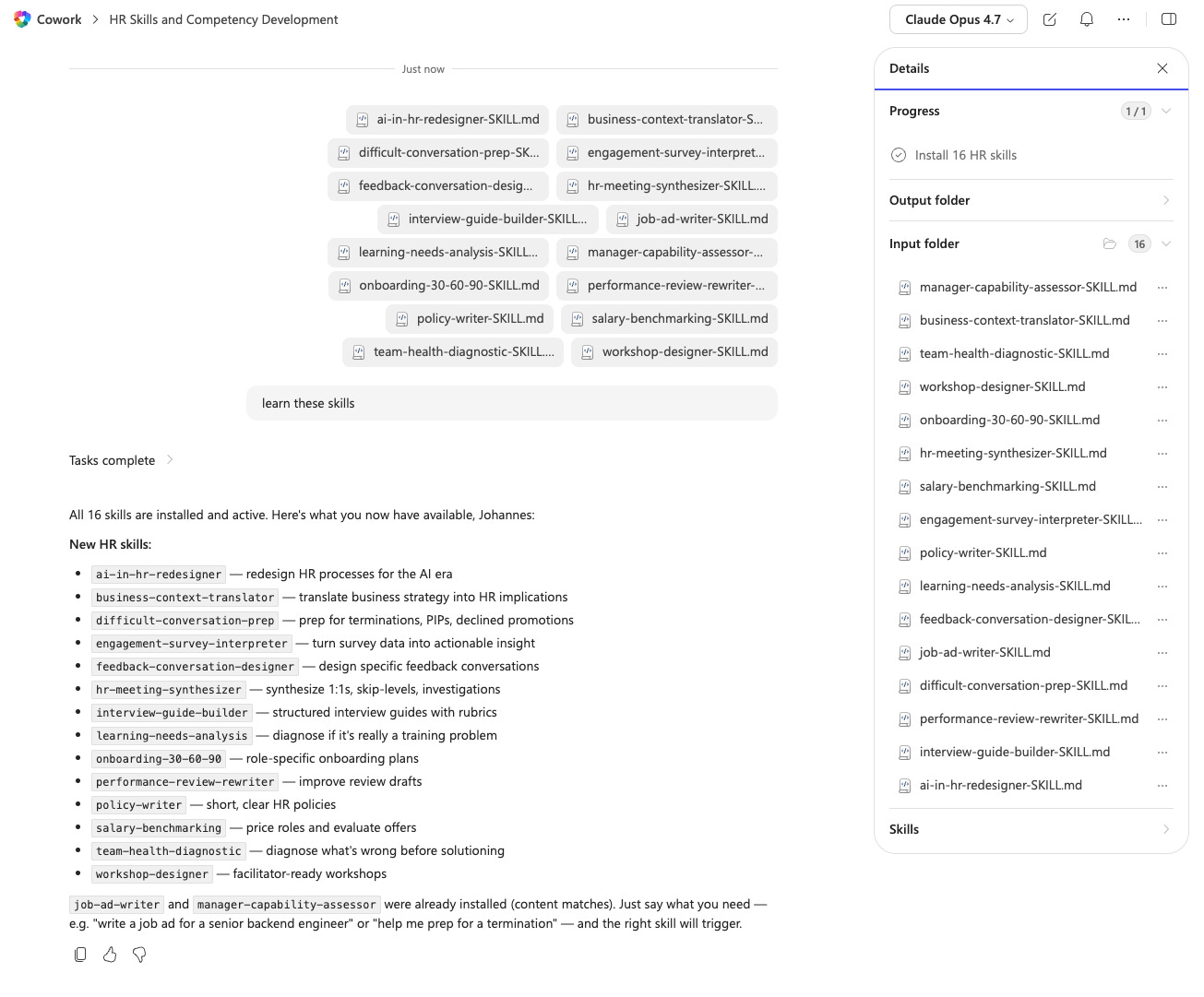
So what is a skill? In short it’s a written-down process. A recurring way of doing something, captured in plain language so the agent knows how to handle it next time it comes up. Onboarding follow-up. Manager check-in templates. Exit interview synthesis. Weekly people analytics digest. Anything you have a process for is a skill candidate.
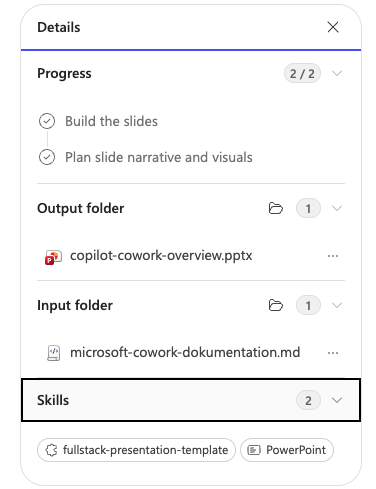
This deserves its own article, but the short version is that the organizations that are going to win with agents/skills are the ones that can describe their processes well enough to teach a system to follow them.
What this means for HR
The world is moving in the cowork-direction. I want to be very clear about that. More capable systems, skills and more things running on somekind of autopilot.
My overall advice should be curious but yet to receive Cowork in your org, then what you can do prepar for the day when you get it is to document your pocesses, workflows and the goal you have with the different proceduers and ways of working that you have. So in short this is about being good at defining processes. The teams that can write down what they actually do, in clear steps, are the teams whose work scales with agents/skills. The teams that cannot will keep relying on tribal knowledge, and tribal knowledge does not delegate.
The security objection is now substantially weaker for Microsoft customers. The capability objection is getting weaker every month. What is left is the organizational question. Who owns this? Who trains people? Who writes the skills? Who decides what is delegated and what is not?
That is HR work. That has always been HR work. The tools just got better.
More on skills shortly!